3D printing, also called additive manufacturing, builds a three-dimensional object from a digital model by depositing, joining or solidifying material layer by layer; the technique dates to patents filed in 1984.
What is 3D printing and where did it come from?
The earliest published work on layered plastic models appeared in April 1980, when Hideo Kodama of the Nagoya Municipal Industrial Research Institute invented two additive methods using photo-hardening polymers. His papers drew little reaction at the time, and the commercial story began elsewhere. On 2 July 1984, American entrepreneur Bill Masters filed US 4665492, a patent for a computer automated manufacturing process. On 8 August 1984, Chuck Hull filed US4575330 for a stereolithography system that cured photopolymer layers with ultraviolet light.
Hull’s patent was granted in 1986, and he co-founded 3D Systems, which the record describes as the world’s first 3D printing company. His lasting contribution was larger than a machine: he created the STL file format and the digital slicing and infill strategies that most processes still use. Both ideas survive in every desktop workflow today, from the model file to the sliced instructions a printer executes.
The vocabulary is looser than the technology. The ISO/ASTM 52900 standard, as summarised by the American National Standards Institute, defines additive manufacturing as building parts from 3D model data by adding material layer by layer. Industry tends to prefer that term, while the general public says 3D printing. The older meaning of “3D printing” was narrower: it originally referred to a process that deposits a binder material onto a powder bed with inkjet printer heads layer by layer. Over time the phrase widened to cover filament, resin and powder machines alike.
Cost explains why the hobby arrived late. Owning a 3D printer in the 1980s cost upwards of $300,000. As of 2014, commercial printers still cost over $2,000. The turning point was a legal one rather than a technical one, covered in the next section.
Everything starts from a digital design. Beginners who want to create their own parts rather than download them can start with the basics of 3d modeling, and the same spatial skills carry over to adjacent fields such as the content pipeline behind a vr headset.
How do the main 3D printing processes differ?
Scott Crump, co-founder of Stratasys, patented fused deposition modeling in 1988, and the company marketed its first FDM machine in 1992. The patent on FDM technology expired in 2009, which let anyone build such machines without paying Stratasys. That expiry has been credited with a two-orders-of-magnitude price drop. Because Stratasys still owns the trademark on “FDM”, the RepRap community and others adopted the alternative name fused filament fabrication, or FFF.
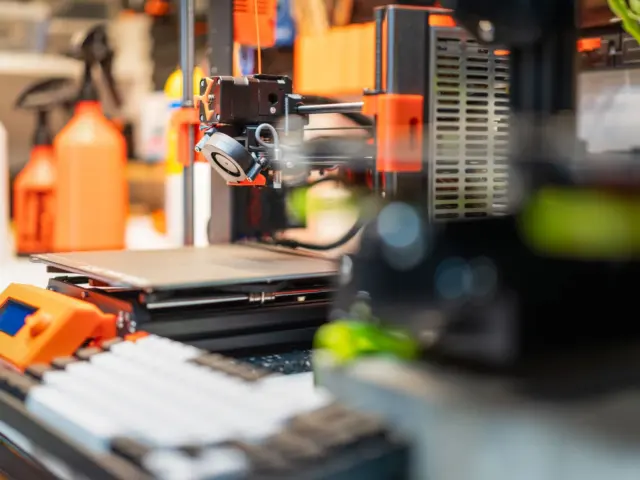
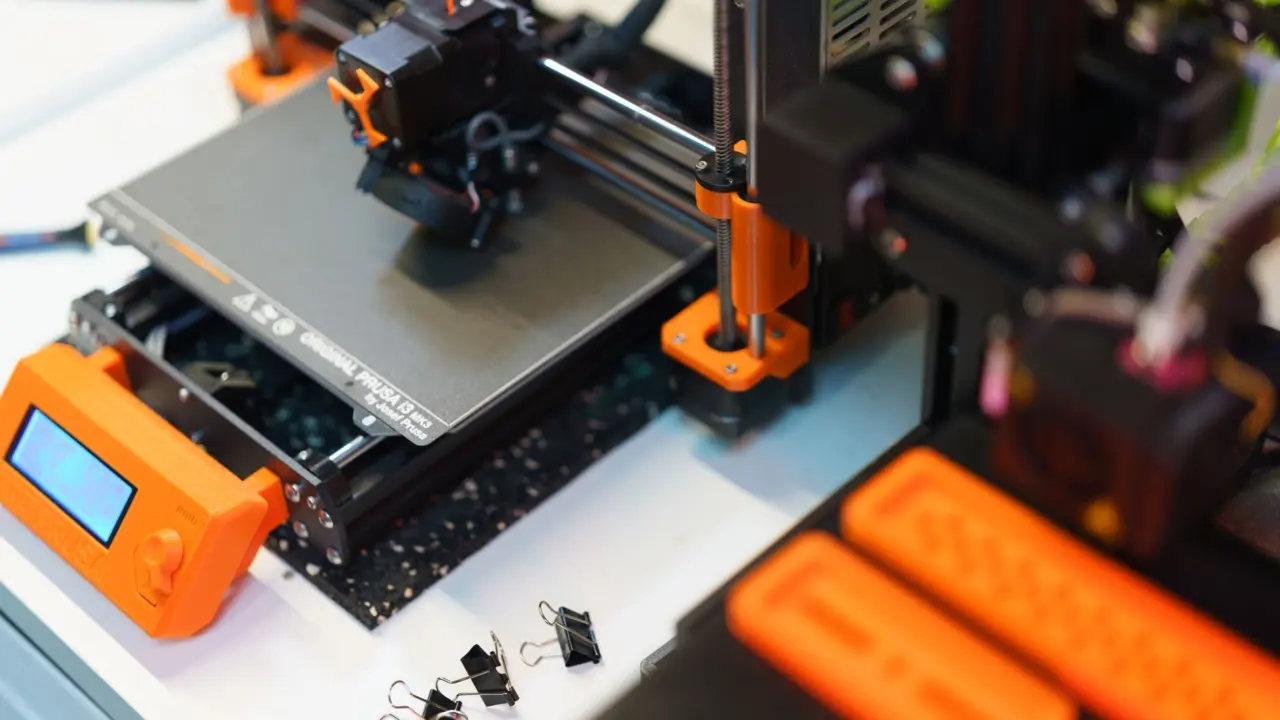
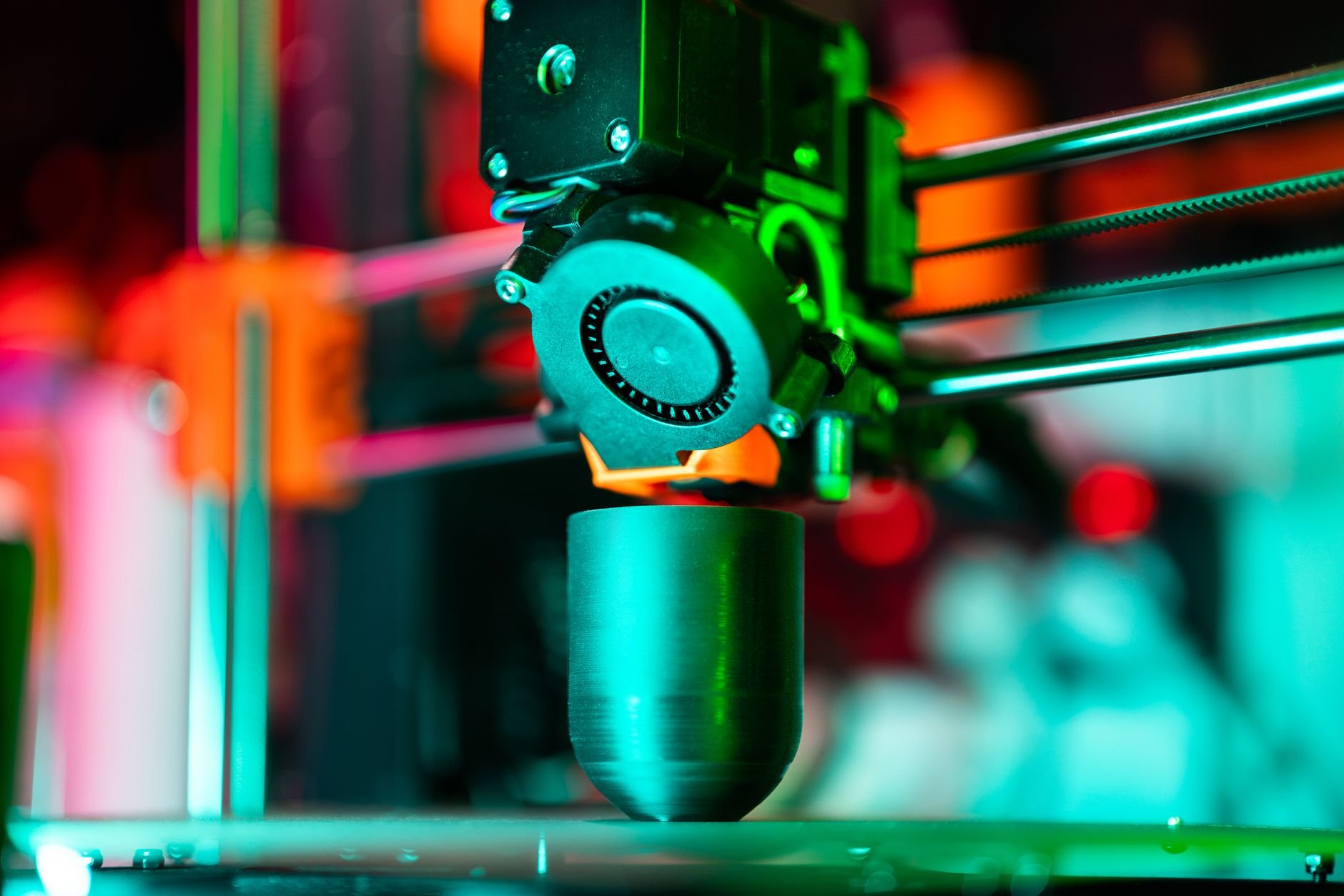
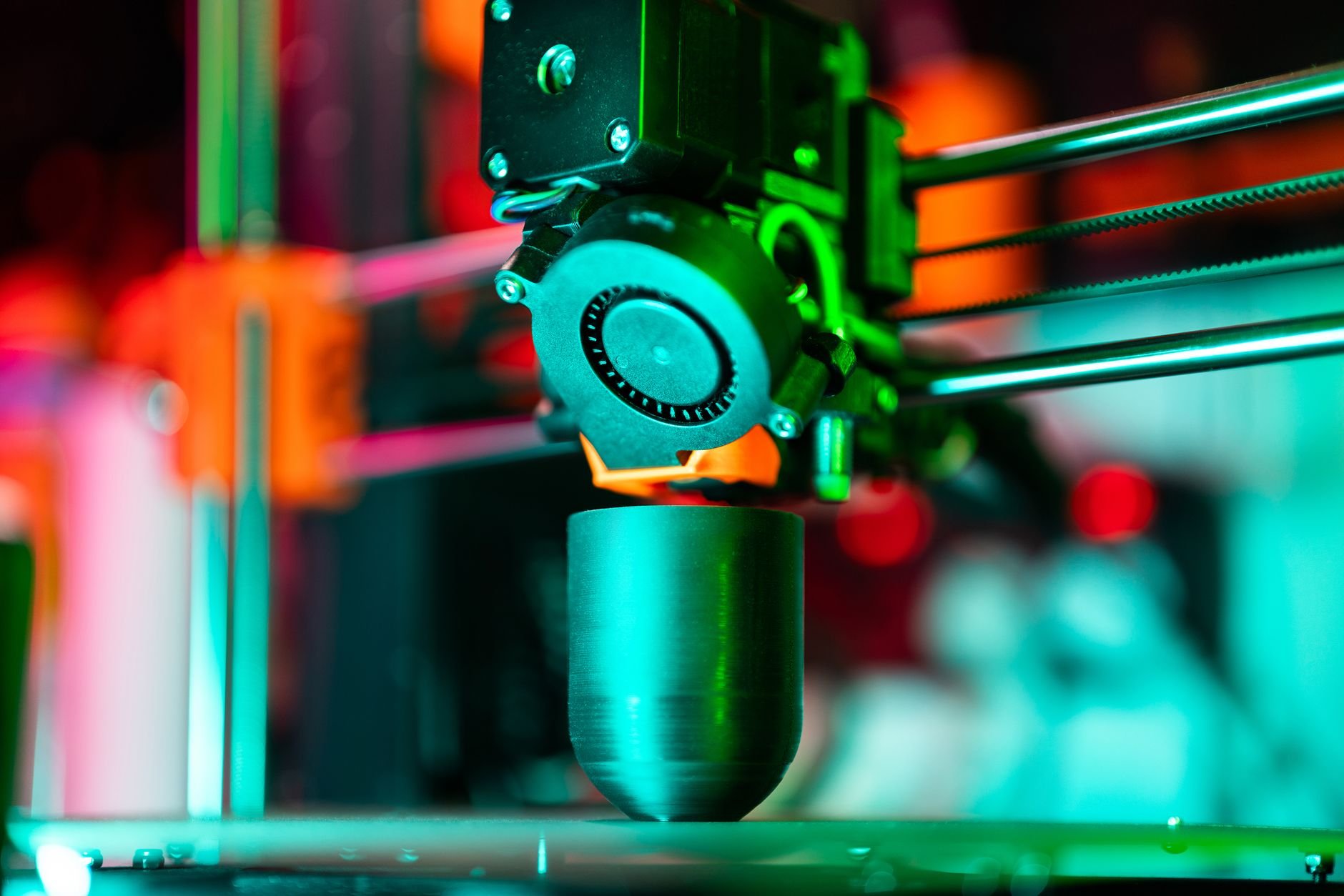
In an FFF machine, the heated nozzle sits on a toolhead controlled by a computer executing g-code files that are generated by a slicer. The nozzle lays down a thin bead of plastic that solidifies quickly on contact with the bed or earlier layers, and the work or the print head then moves a small amount vertically to begin a new layer. Readers who want a deeper walk-through of the extruder, hot end and motion systems can continue with fdm 3d printing. The process handles small overhangs by resting them on lower layers, but it has limits on overhang slope and cannot make unsupported stalactites.
Resin machines work differently. Hull’s patent described a concentrated beam of ultraviolet light focused onto the surface of a vat filled with a liquid photopolymer, which cross-links the liquid into a solid layer. The method is also called vat photopolymerisation, and it suits fine detail such as miniatures, dental models and jewellery patterns. The workflow adds washing and curing steps and calls for gloves and ventilation, all of which are covered in resin printing.
Industrial users run a third family based on metal powder. NIST describes additive manufacturing as a process that builds up a 3D shape from thin layers of metal powder, each melted into place by a laser or electron beam, and notes that as the field matures, comprehensive measurements and standards will be critical for expanding use by industry. Binder jetting, material jetting and directed energy deposition sit alongside these, and each trades speed, surface finish, material range and cost differently. A hobbyist rarely meets them, yet knowing the families helps when reading about services that print metal or full-colour parts on demand. Ordering such a part from a service bureau is a sensible route when a design needs strength or finish that a desktop machine cannot reach. That standards focus is why metal parts for aerospace and medical work are qualified so carefully compared with hobby prints.
Which materials work best for 3D printing?
PLA has a melting point of 150 to 160 °C, among the lowest of the common filaments, and that single property explains much of its popularity. Wikipedia’s polylactic acid entry calls it the most widely used plastic filament material in FDM 3D printing, thanks to its low melting point, high strength, low thermal expansion and good layer adhesion. The trade-off is poor heat resistance unless the part is annealed, so a PLA part left in a hot car can soften and warp. Newcomers usually start with pla filament for that reason.
PLA is also a significant material outside printing. In 2022 it had the highest consumption volume of any bioplastic in the world, a share of about 26% of total bioplastic demand. It is made from renewable resources such as corn starch and can be used in compostable products, although it can be biodegradable or long-lasting depending on the manufacturing process, additives and copolymers.
PETG is a glycol-modified relative of polyethylene terephthalate, the plastic behind drink bottles. PET has a melting point above 250 °C, a glass transition temperature of 67 to 81 °C and a tensile strength of 55 to 75 MPa. In practice a print in the glycol-modified grade tolerates warmer rooms than PLA and resists impact better, at the cost of stringing and a stickier first layer. The tuning advice for that trade is in petg filament. PET is commonly recycled and carries the digit 1 as its resin identification code, which helps when sorting failed prints and bottle-derived feedstock.
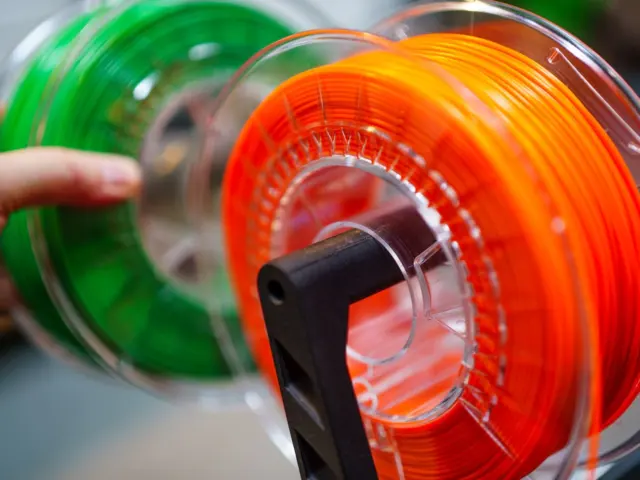
The filament family is wide. The Wikipedia article on fused filament fabrication lists acrylonitrile butadiene styrene (ABS), PLA, PETG, PET, high-impact polystyrene (HIPS), thermoplastic polyurethane (TPU), nylon and acrylonitrile styrene acrylate (ASA). Its materials table goes further, adding ceramic slurries, clays and polymer matrix composites reinforced with glass or carbon fibre, each with its own post-processing such as support removal, furnace drying or sintering.
- PLA: easiest to print, rigid, softens in heat.
- PETG: tougher and warmer-tolerant, prone to stringing.
- ABS and ASA: stronger in heat and sunlight, need an enclosure and ventilation.
- TPU: flexible, slow to print.
- Resin: finest detail, needs washing, curing and gloves.
What do slicers, firmware and OctoPrint do?
A model file is not something a printer can read directly. The STL format stores the triangulated surface of a CAD model, and the slicer converts it into g-code, the line-by-line movement and temperature instructions. A 3d printing slicer controls layer height, infill, speed, supports and temperatures, so it shapes the result more than most hardware upgrades. The most widely used free option is described in cura slicer, and it also gave rise to a well-known control tool.
STL files have limits. Wikipedia notes that STL is not tailored for additive manufacturing because it generates large file sizes for topology-optimised parts and lattice structures. It also gives a practical export range: specifying a mesh resolution of 0.01 to 0.03 mm is enough for one cited printer, and a higher resolution produces larger files without an increase in print quality. Exporting at extreme detail therefore just slows the slicer.
OctoPrint is the best-known remote control layer. Gina Häusge created it in 2012 to support her first 3D printer, and it was forked from Cura under the same AGPL license. Between August 2014 and April 2016, the smartphone maker BQ employed her full time to work on it. As of June 2024, the official plugin repository listed 395 plugins, and the program shows webcam output so a print can be monitored. It commonly runs on a Raspberry Pi, and the setup steps are in octoprint.
The same page carries a warning worth heeding: exposing a printer to the open internet risks loss of design data and webcam privacy, and in the worst case literal fires from poorly designed safety controls. Keep the interface behind a VPN or a trusted plugin, and never leave a printer running unattended without thermal-runaway protection.
A sensible workflow runs in four steps: design or download a model, slice it with a profile matched to the filament, print a small test, then adjust. Saving a profile per material avoids re-learning temperatures every time a spool is swapped. Print farms and schools follow the same loop, only with a remote queue managing the machines. Firmware is the other half of the stack. Klipper moves the heavy motion planning onto a separate computer so the printer’s own controller handles only step timing, which allows higher acceleration and input shaping to suppress ringing. Anyone considering that upgrade should read klipper firmware first, because it requires a compatible board and a willingness to edit configuration files.
How do calibration and settings affect print quality?
A print can take anywhere from several hours to several days, depending on the method, size and complexity of the model, so a failure in the first layer wastes real time. The first layer fails most often because the nozzle is the wrong distance from the bed. Manual paper-feel methods, probe-based mesh compensation and strain-gauge sensing all aim at the same outcome, and 3d printer bed leveling compares them.
The nozzle is the second variable. Its bore sets the width of each extruded road, and its material decides how long it survives abrasive filaments such as carbon fibre composites. Brass wears quickly under those composites, while hardened steel lasts but conducts heat less well. The trade-offs are covered in 3d printer nozzle.
Moisture, temperature and cooling decide the rest. Stringing, blobs, warped corners and weak layer bonds usually trace back to wet filament, a temperature mismatched to the material, or poor part cooling. A methodical approach works best: change one setting at a time, print a small test piece, and record the outcome. The symptom-by-symptom guide at 3d print quality follows that method.
Maintenance keeps those settings meaningful. Clean the build plate with isopropyl alcohol before each print, check belt tension and wheel play every few weeks, oil the rods according to the maker’s guidance, and replace a worn nozzle rather than compensating with higher temperatures. Store filament in a sealed box with desiccant, because PLA and especially nylon and PETG absorb moisture from the air. A printer that is kept clean, dry and mechanically tight will repeat results, and repeatability is what makes calibration worth the effort.
Ventilation deserves the same discipline. Heated plastics and photopolymer resins emit vapours, so placement in a ventilated room, an enclosure for ABS and ASA, and nitrile gloves for resin are sensible habits. Check the safety data sheet printed by the filament or resin maker, since these differ by product.
What can people make at home, and what does the technology do at scale?
In 2005 users began to design and distribute plans for 3D printers that could print around 70% of their own parts, and that RepRap idea shaped the hobby. On 29 May 2008, the RepRap 1.0 “Darwin” achieved self replication by making a complete copy of its rapid-prototyped parts, which represent 48% of all the parts excluding fasteners. On 2 October 2009, the second-generation Mendel printed its first part. All RepRap designs are released under the GNU General Public License, which is why open hardware and cheap machines grew together.
The open-source lineage matters for buyers today. Most consumer machines still follow the layout of the RepRap Mendel: a heated bed, a stepper-driven frame and a hot end fed by filament. Because those designs were released under a free licence, manufacturers could refine them, and communities could publish upgrade parts that owners print for their own machines. A printer that can reproduce part of itself is also unusually repairable, which is a practical argument for choosing a popular, well-documented model over an obscure one.
Planning a purchase calls for honest questions about use. A buyer who wants functional brackets and enclosures needs a different machine from one who wants detailed figurines. Filament machines are cheaper to run and forgiving of mistakes, while resin machines give smoother surfaces but add cleanup. Build volume, enclosure options, community support, spare-part availability and noise all matter more than headline speed claims. Independent reviews and long-term owner reports are better guides than a manufacturer’s marketing page, and this site accepts no sponsorship or paid reviews.
Household use has settled into repairs, organisers, replacement knobs and clips, cosplay props, planters, tools and gifts. Ideas by skill level, with printing times and material choices, are collected in home 3d printing projects. A good first project is a small, flat, functional part with no overhangs, since it exposes bed adhesion problems quickly and wastes little plastic.
Beyond the garage, the scale is dramatic. In November 2021 a British patient named Steve Verze received the world’s first fully 3D-printed prosthetic eye from Moorfields Eye Hospital in London. In April 2024 the University of Maine revealed Factory of the Future 1.0, described as the world’s largest 3D printer, able to make objects 96 feet (29 meters) long. In July 2024 researchers published a paper in Advanced Materials Technologies describing artificial blood vessels made with 3D-printing technology.
The common thread is design freedom. Wikipedia lists faster prototyping, lower manufacturing cost, more customisation and decentralised production as the main benefits, and these show up at every scale, from a single replacement hinge to an aerospace bracket.
Frequently asked questions
What is the easiest material for a first 3D print?
What is the easiest material for a first 3D print?
PLA is the usual starting point. It melts at 150 to 160 °C and has good layer adhesion and low thermal expansion, according to Wikipedia’s polylactic acid entry, so it warps less than ABS.
When did 3D printing become affordable?
When did 3D printing become affordable?
The FDM patent expired in 2009, and the expiry has been credited with a two-orders-of-magnitude price drop. In the 1980s a machine cost upwards of $300,000, and as of 2014 commercial printers still cost over $2,000.
Is 3D printing the same as additive manufacturing?
Is 3D printing the same as additive manufacturing?
The two terms describe the same layer-by-layer principle defined in ISO/ASTM 52900. Industry prefers additive manufacturing, while the general public says 3D printing.
Is it safe to connect a printer to the internet?
Is it safe to connect a printer to the internet?
It carries risk. Wikipedia’s OctoPrint entry warns of lost design data, webcam privacy exposure and fires from poorly designed safety controls, so remote access should go through a VPN or a vetted plugin.