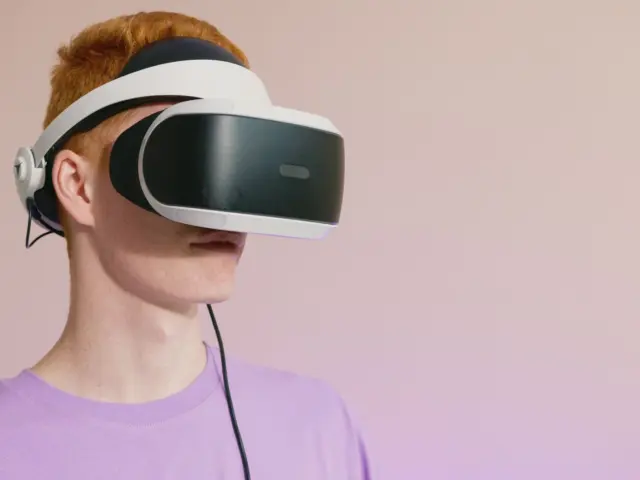
A VR headset for 3D modeling lets an artist sculpt and draw in true 3D space with two tracked controllers, and a 2023 headset like the Meta Quest 3 with a 2064×2208 pixel display per eye is enough to start.
This guide belongs to the wider vr headset coverage on the site and focuses on what the hardware does well, where it falls short and how to build a workable routine.
Why modeling in VR feels different
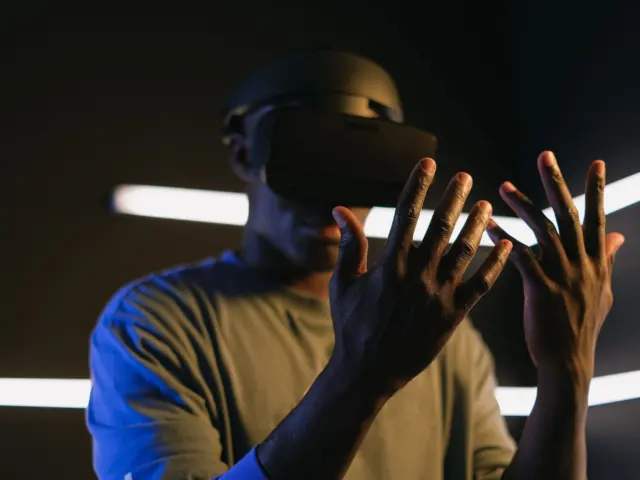
Google’s Tilt Brush, released in 2016, described its core idea in a single line: it is “designed for 6DoF motion interfaces in virtual reality”. Six degrees of freedom means the headset and both hands are tracked in position and rotation, so a stroke follows the hand exactly where it moves through the room.
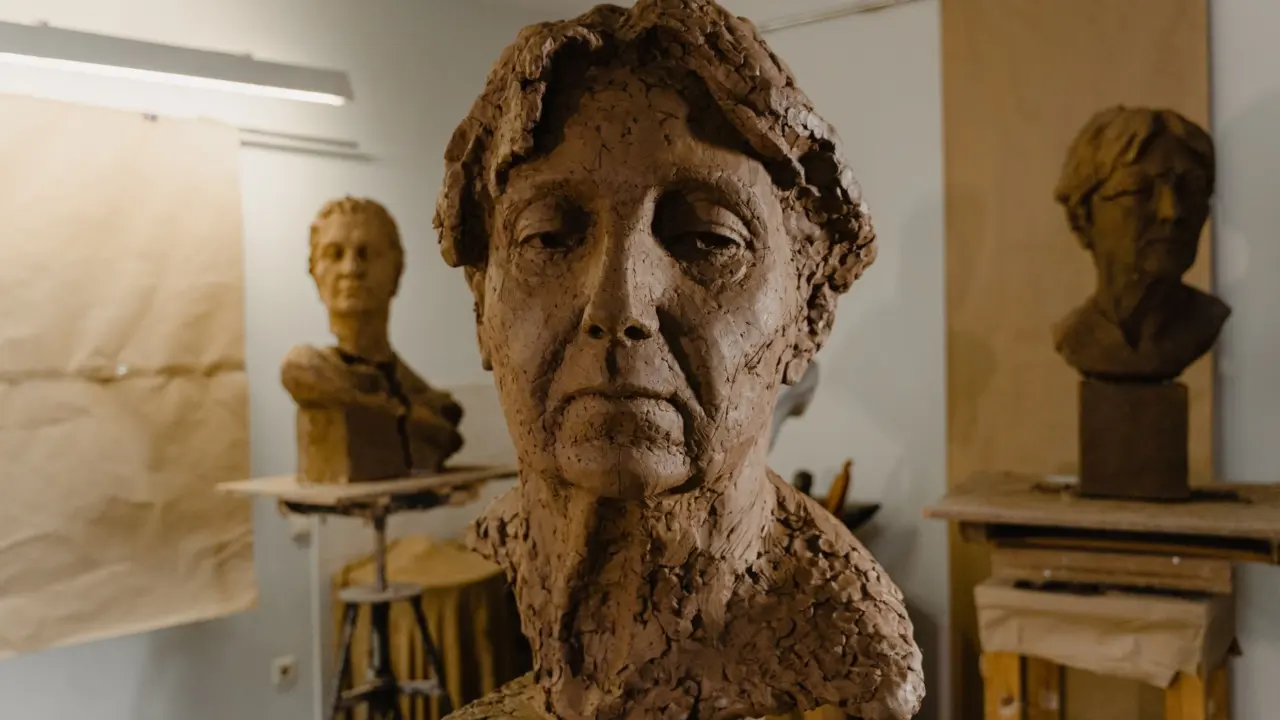
On a monitor, a modeler orbits the camera with a mouse and judges depth from shading. In a headset, depth comes from stereo vision. Walking around a character bust, leaning in to check a jaw line and stepping back to read the silhouette all happen at natural scale. That makes VR strongest for organic forms: creatures, props, concept sculpts and rough character blockouts.
It is weaker for precision work. Hard-surface parts with exact dimensions, clean topology and tight tolerances still suit a mouse, a keyboard and desktop CAD or polygon tools. Most working artists treat VR as a sketching and sculpting stage, then finish the model on a desktop.
Hardware that matters for sculpting
The Meta Quest 3, unveiled on June 1, 2023, is a useful reference point because it needs no PC for standalone apps and can also link to one. According to Wikipedia’s summary of the device, it “uses a pair of LCDs with a per-eye resolution of 2064×2208p, which is a roughly 30% increase over the 1832×1920p resolution of the Quest 2.”
That sharper image matters for sculpting. Fine surface detail, small brush strokes and edge quality are easier to judge when pixels per degree are higher, which reduces the urge to lift the headset to check a result on a monitor.
- Controllers: accurate tracking and a comfortable grip matter more than raw specifications, because a sculpt is built from a long series of small hand movements. Controller drift or a loose grip shows up directly in the surface of the model, so test tracking in a short trial before committing to a project.
- Display clarity: sharper lenses and resolution make it possible to read surface detail without leaving the headset.
- Standalone or tethered: a standalone headset is portable and has no cables, while a PC-linked headset can handle denser meshes.
- Fit: a balanced strap and adjustable lens spacing decide whether a session is comfortable.
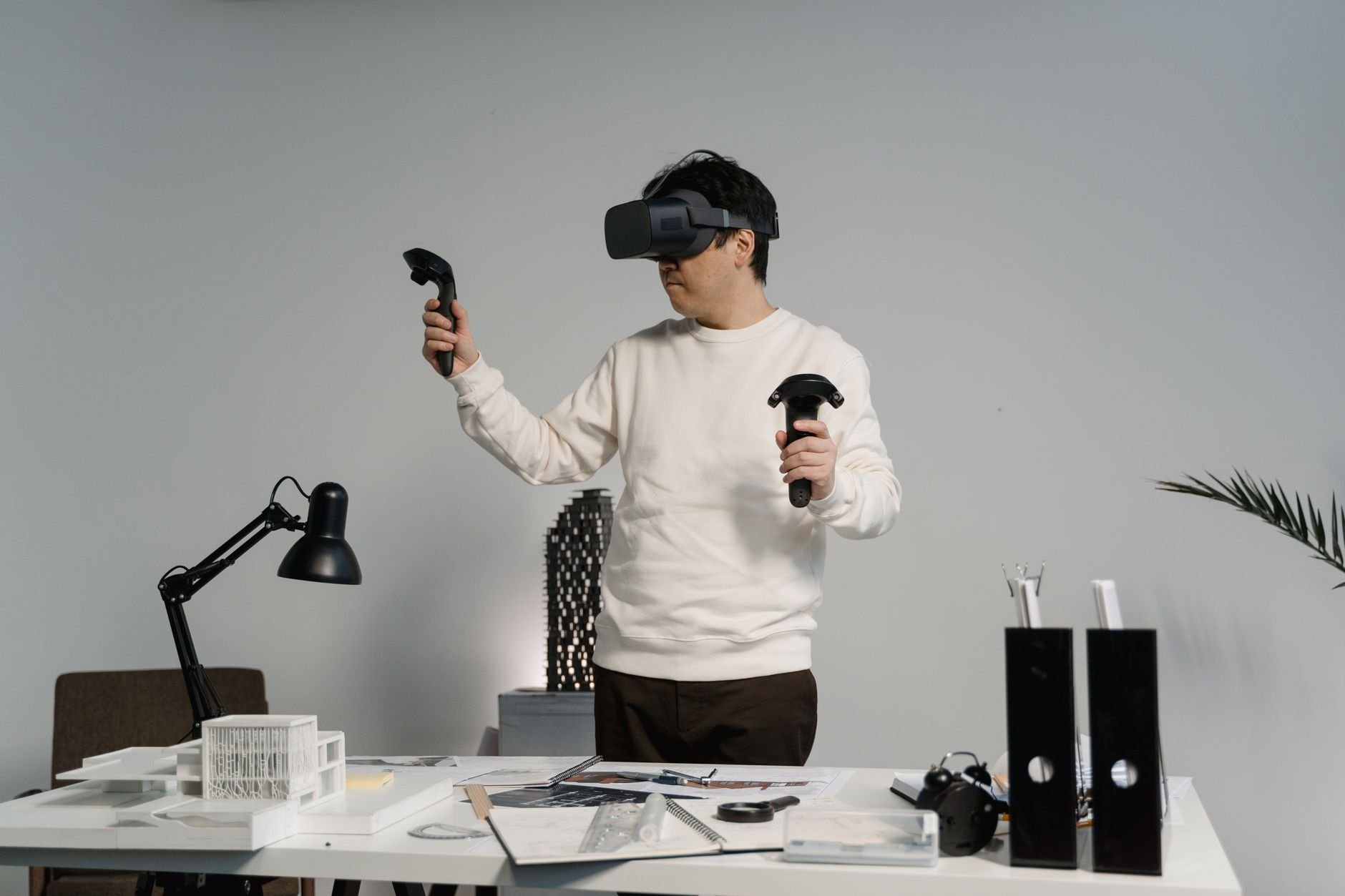
Standalone headsets limit polygon counts and scene complexity because the processor sits on the head. Heavy sculpts often run better when the headset streams from a desktop graphics card, at the cost of a cable or a strong wireless connection.
Software to try first
Open Brush is the easiest free starting point. On January 26, 2021, Google released the Tilt Brush source code under the Apache 2.0 license on GitHub, and a community-led project continued development as Open Brush, which remains free and open source according to Wikipedia’s Tilt Brush entry.
Open Brush is a painting and drawing tool rather than a mesh sculptor, so it suits concept sketches, volumetric doodles and quick scene mock-ups. Artists who want clay-like sculpting with subdivision, layers and export to a polygon workflow look to dedicated VR sculpting and design apps such as Gravity Sketch or Adobe’s Substance 3D Modeler. Both vendors publish their own feature lists, and the best test is a free trial or demo on the headset in hand.
Beginners often get the most from a free tool first. Spending an evening drawing a simple character or a small environment in Open Brush teaches controller handling, scale and depth judgment, and those skills carry over to paid sculpting apps. It also reveals early whether the headset fits well enough for longer sessions, which is cheaper to learn before buying a subscription.
A practical rule when choosing: pick the app by the output needed. Drawings and illustrations need a painting tool. Printable or game-ready geometry needs a tool that exports a clean mesh in a standard format such as OBJ, FBX or STL.
Building a comfortable workflow
Comfort sets session length more than any specification. Sculpting is mostly stationary and controller-driven, which is gentler than locomotion-heavy games, but eye strain, arm fatigue and a hot, heavy headset still build up. Anyone prone to nausea should read the site’s guide to vr motion sickness before a long first session.
A few habits help:
- Start with short sessions and stop at the first sign of discomfort, then extend gradually.
- Sculpt seated with elbows supported, and move the model rather than walking around it.
- Keep a clear play area and set the boundary before starting.
- Save often and export regularly, because headset apps can crash on dense scenes.
Passthrough on mixed reality headsets is useful here. Seeing the room lets a sculptor keep a real desk, a drink and a reference image nearby without removing the headset.
Getting models out of the headset
A sculpt is only useful once it leaves the headset. The usual path is exporting a mesh file to a desktop, then cleaning it in a polygon tool: retopologizing, decimating and fixing holes. Meshes made by freehand sculpting are often uneven and need repair before they behave in a game engine or a slicer.
For physical output, the route from a headset sculpt to a plastic object is covered in the site’s guide to vr printing. The same rule applies: check that the mesh is watertight and has sensible wall thickness before sending it to a printer.
The site has no commercial relationship with any headset or software maker mentioned here, and none of the links on this page are affiliate links. Product names appear only because they illustrate a point, and readers should confirm current prices and features with each vendor before buying.
Frequently asked questions
Can a VR headset replace a monitor for 3D modeling?
Can a VR headset replace a monitor for 3D modeling?
Not fully. VR excels at organic sculpting, but precision tasks such as retopology and dimensioned parts still run better on a desktop. Most artists use both, as shown by the Quest 3’s role as a standalone or PC-linked device.
Is the Meta Quest 3 good enough for sculpting?
Is the Meta Quest 3 good enough for sculpting?
It is a capable starting point. Its 2064×2208 pixels per eye are roughly 30% more than the Quest 2’s 1832×1920, according to Wikipedia’s Meta Quest 3 entry, which helps when judging fine detail.
Is there a free VR sculpting or drawing app?
Is there a free VR sculpting or drawing app?
Yes. Open Brush, the community continuation of Google’s Tilt Brush, is free and open source. Google released the original source code on January 26, 2021 under the Apache 2.0 license.
Do I need a PC to model in VR?
Do I need a PC to model in VR?
No for standalone apps, though a PC link allows denser scenes. The Quest 3 launched on October 10, 2023 and can run standalone software as well as stream from a computer.